Chrome Extensions
Fullpage Capture Screenshot
Capture full-page and visible screenshots, preview, edit, copy, download, export PDF, and keep local history.
Secure checkoutTrusted payment partners
Lifetime updatesAlways up to date
Priority supportReal humans, fast replies
Loved by makers0+ happy users
About Fullpage Capture Screenshot
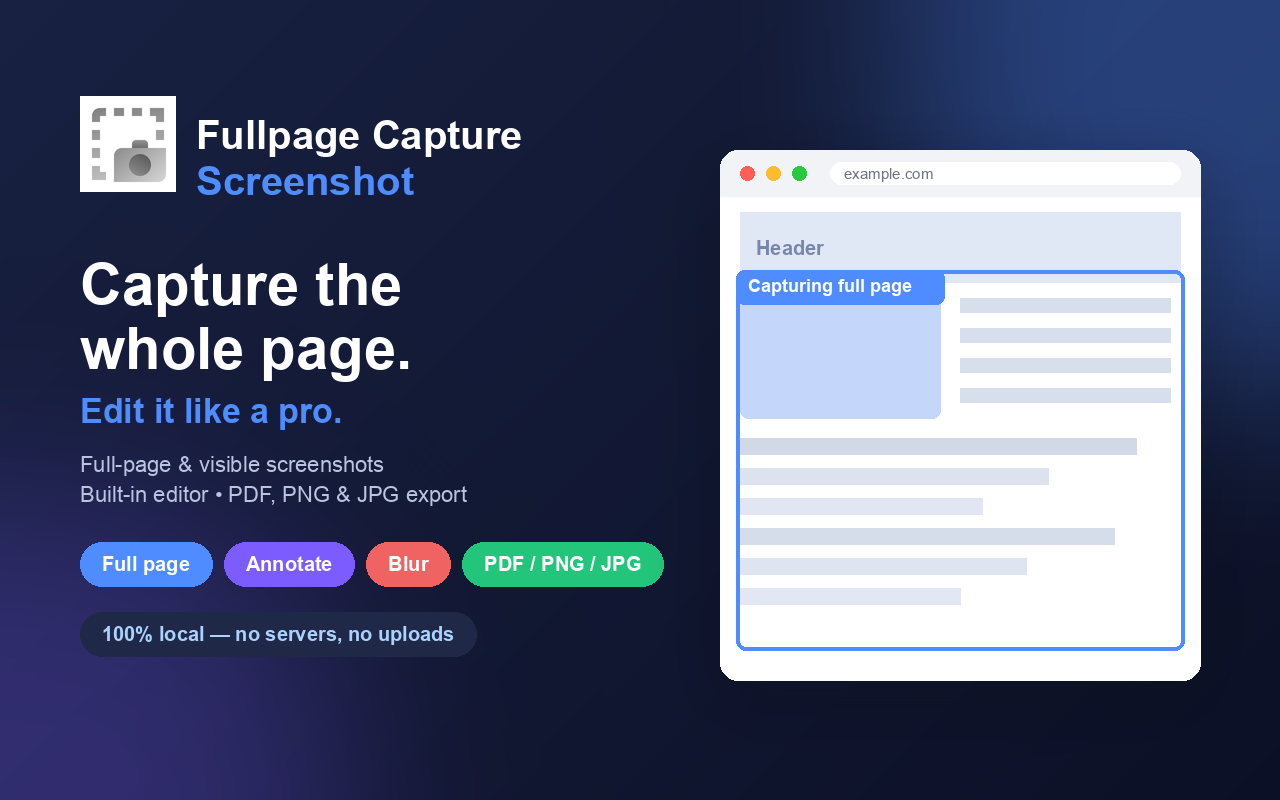
Fullpage Capture Screenshot is a fast and simple screenshot tool for Chrome that helps you capture complete webpages or only the visible area of the current tab.
It is built for everyday users, designers, developers, marketers, support teams, QA testers, content creators, and anyone who needs clean webpage screenshots without complicated tools.
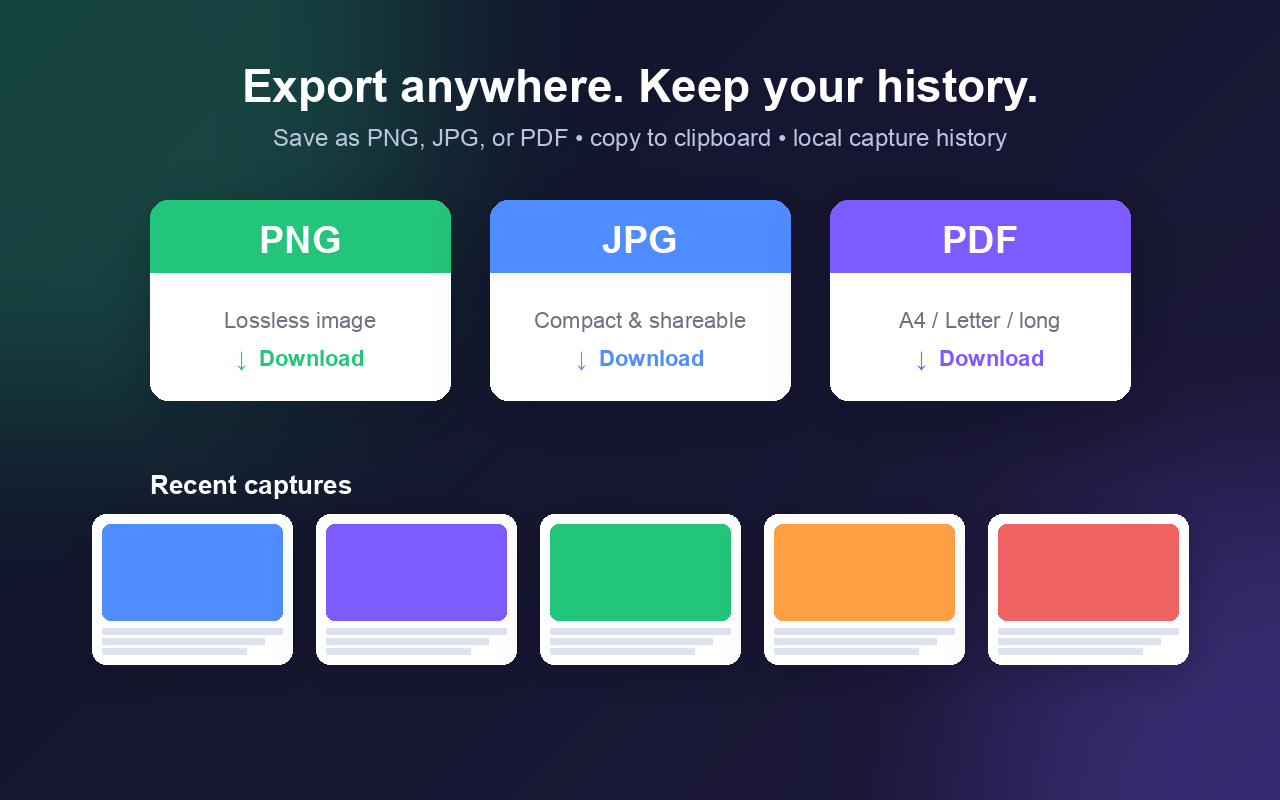
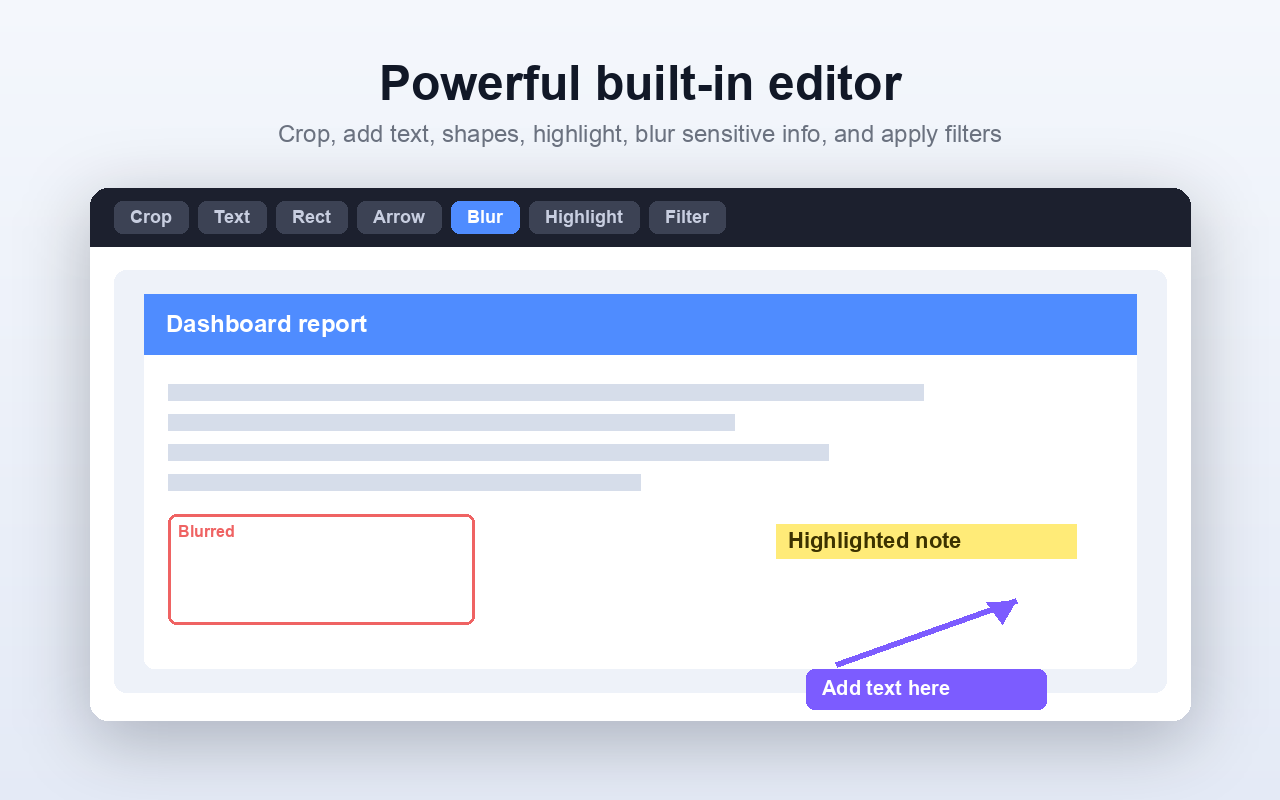
With one click, you can capture a full-page screenshot, preview it, edit it, copy it, download it, export it as PDF, or save it to your local screenshot history.
Key features:
• Capture full-page screenshots
• Capture visible-area screenshots
• Preview screenshots before saving
• Download screenshots as image files
• Export screenshots as PDF
• Copy screenshots to clipboard
• Keep local screenshot history
• Works on websites, dashboards, landing pages, articles, admin panels, and long webpages
• Smart handling for sticky headers, fixed sidebars, and scrolling layouts
• Simple, clean, lightweight interface
• No account required
• No cloud upload required
• Screenshots stay on your device
Why install Fullpage Capture Screenshot?
Many webpages are longer than your screen. Taking multiple manual screenshots and combining them is slow and messy. Fullpage Capture Screenshot automatically scrolls and captures the page, then creates one clean screenshot for you.
It is useful for:
• Saving website designs
• Capturing landing pages
• Reporting bugs
• Saving receipts or records
• Sharing webpage previews
• Documenting dashboards
• Creating support screenshots
• Capturing long articles
• Archiving visual webpage states
• Exporting webpages as PDF
Privacy-first screenshot capture:
Fullpage Capture Screenshot is designed to work locally in your browser. It does not require an account and does not upload your screenshots to a server. Your screenshot history is stored locally on your device.
How to use:
Open the webpage you want to capture.
Click the Fullpage Capture Screenshot extension icon.
Choose full-page capture or visible-area capture.
Preview, edit, copy, download, or export your screenshot.
Fullpage Capture Screenshot makes webpage capture simple, fast, and convenient.
It is built for everyday users, designers, developers, marketers, support teams, QA testers, content creators, and anyone who needs clean webpage screenshots without complicated tools.
With one click, you can capture a full-page screenshot, preview it, edit it, copy it, download it, export it as PDF, or save it to your local screenshot history.
Key features:
• Capture full-page screenshots
• Capture visible-area screenshots
• Preview screenshots before saving
• Download screenshots as image files
• Export screenshots as PDF
• Copy screenshots to clipboard
• Keep local screenshot history
• Works on websites, dashboards, landing pages, articles, admin panels, and long webpages
• Smart handling for sticky headers, fixed sidebars, and scrolling layouts
• Simple, clean, lightweight interface
• No account required
• No cloud upload required
• Screenshots stay on your device
Why install Fullpage Capture Screenshot?
Many webpages are longer than your screen. Taking multiple manual screenshots and combining them is slow and messy. Fullpage Capture Screenshot automatically scrolls and captures the page, then creates one clean screenshot for you.
It is useful for:
• Saving website designs
• Capturing landing pages
• Reporting bugs
• Saving receipts or records
• Sharing webpage previews
• Documenting dashboards
• Creating support screenshots
• Capturing long articles
• Archiving visual webpage states
• Exporting webpages as PDF
Privacy-first screenshot capture:
Fullpage Capture Screenshot is designed to work locally in your browser. It does not require an account and does not upload your screenshots to a server. Your screenshot history is stored locally on your device.
How to use:
Open the webpage you want to capture.
Click the Fullpage Capture Screenshot extension icon.
Choose full-page capture or visible-area capture.
Preview, edit, copy, download, or export your screenshot.
Fullpage Capture Screenshot makes webpage capture simple, fast, and convenient.
Key features
Smart tab groups
Automatically group tabs by domain, task or window.
Memory saver
Suspend inactive tabs to free up RAM instantly.
Command palette
Jump to any open tab with a keyboard shortcut.
More from Chrome Extensions
View all You might also like
FREE
Chrome Extensions
Percentage Calculator
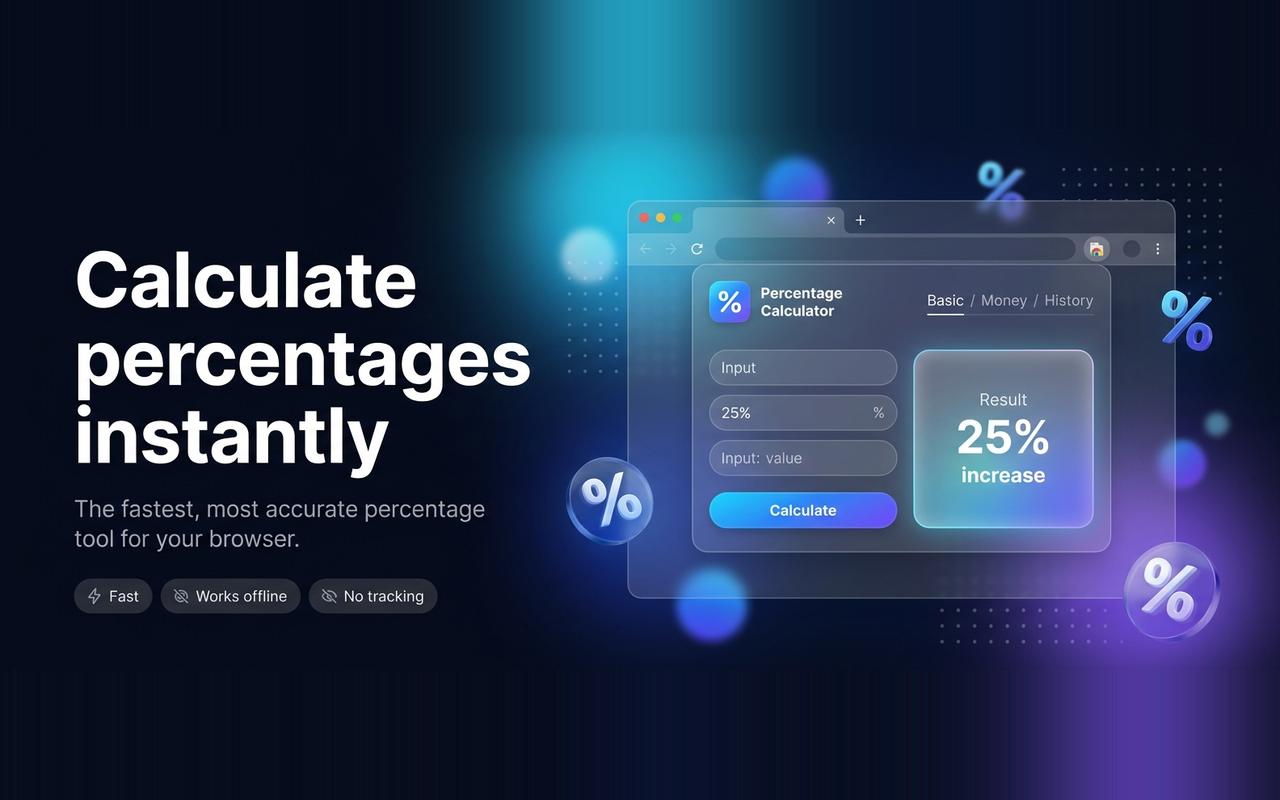
Percentage Calculator is a fast, clean, and easy-to-use Chrome extension for everyday percentage calculations.
Free
View
New
Chrome Extensions
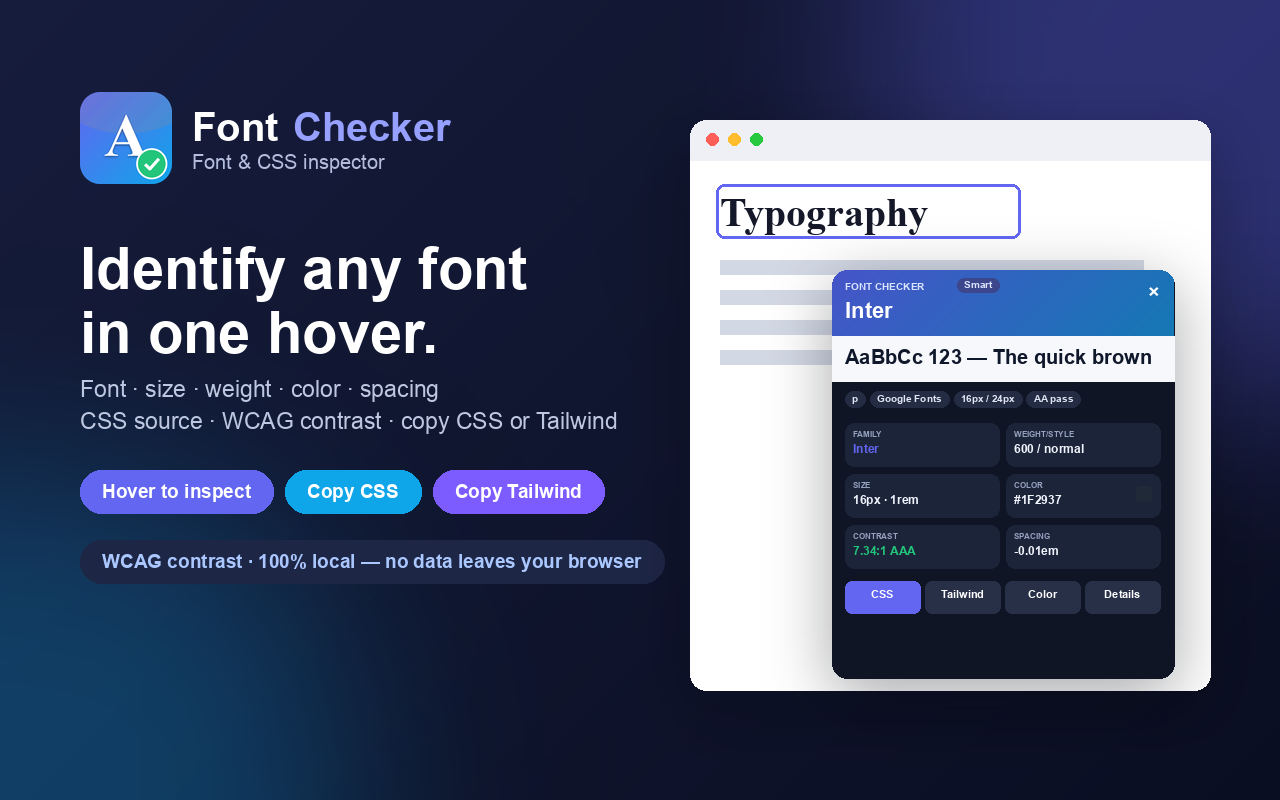
Font Checker
Hover any text to instantly identify the font, size, weight, color, spacing, CSS, source, and WCAG contrast. Copy CSS or Tailwind.
Free
View
Free
Chrome Extensions
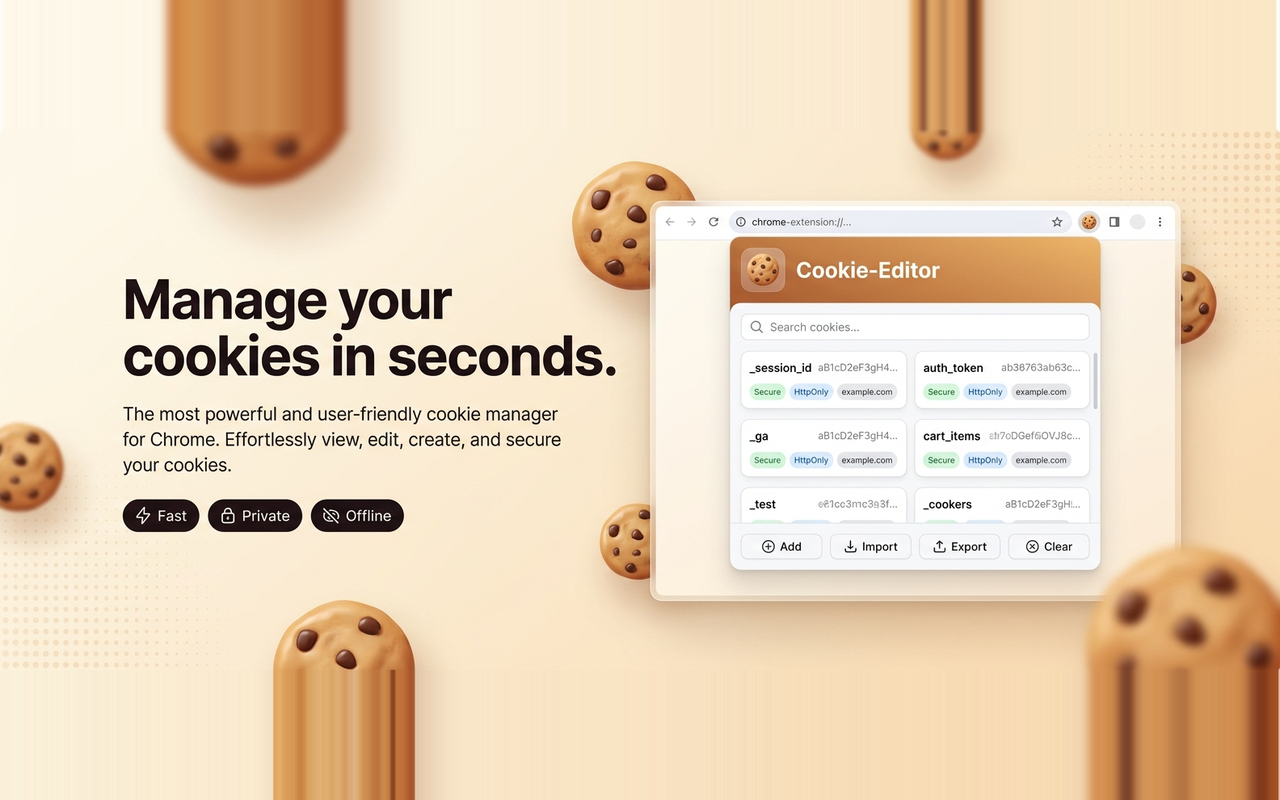
Cookie-Editor
Create, edit, delete, search, import & export cookies right from your tab. Fast, private, and 100% offline.
Free
View
Free
Chrome Extensions
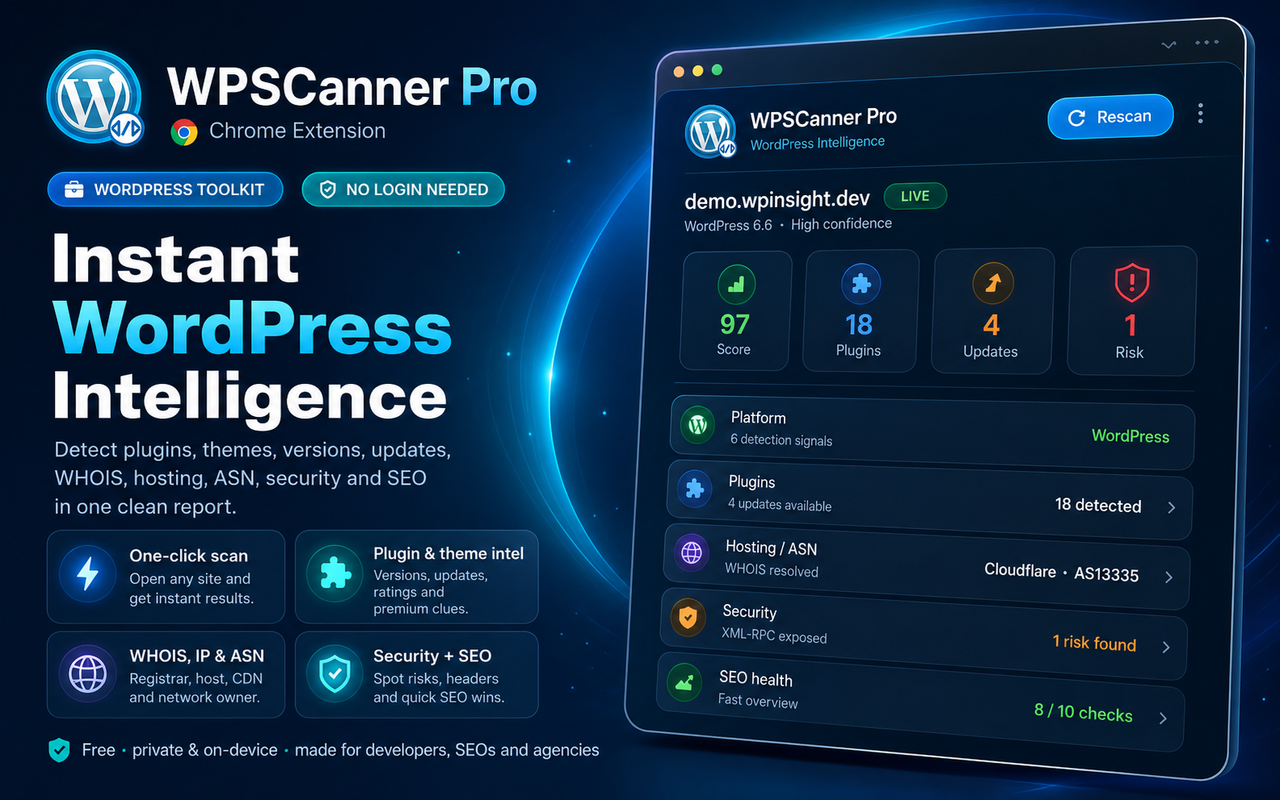
WPScanner Pro – WordPress Detector & Intelligence
Detect WordPress, plugins, themes, updates, WHOIS, IP/ASN, hosting, CDN, security & SEO — with one-click reports.
Free
View