Chrome Extensions
Bcryptify
Bcrypt Hash Generator
Secure checkoutTrusted payment partners
Lifetime updatesAlways up to date
Priority supportReal humans, fast replies
Loved by makers2+ happy users
About Bcryptify
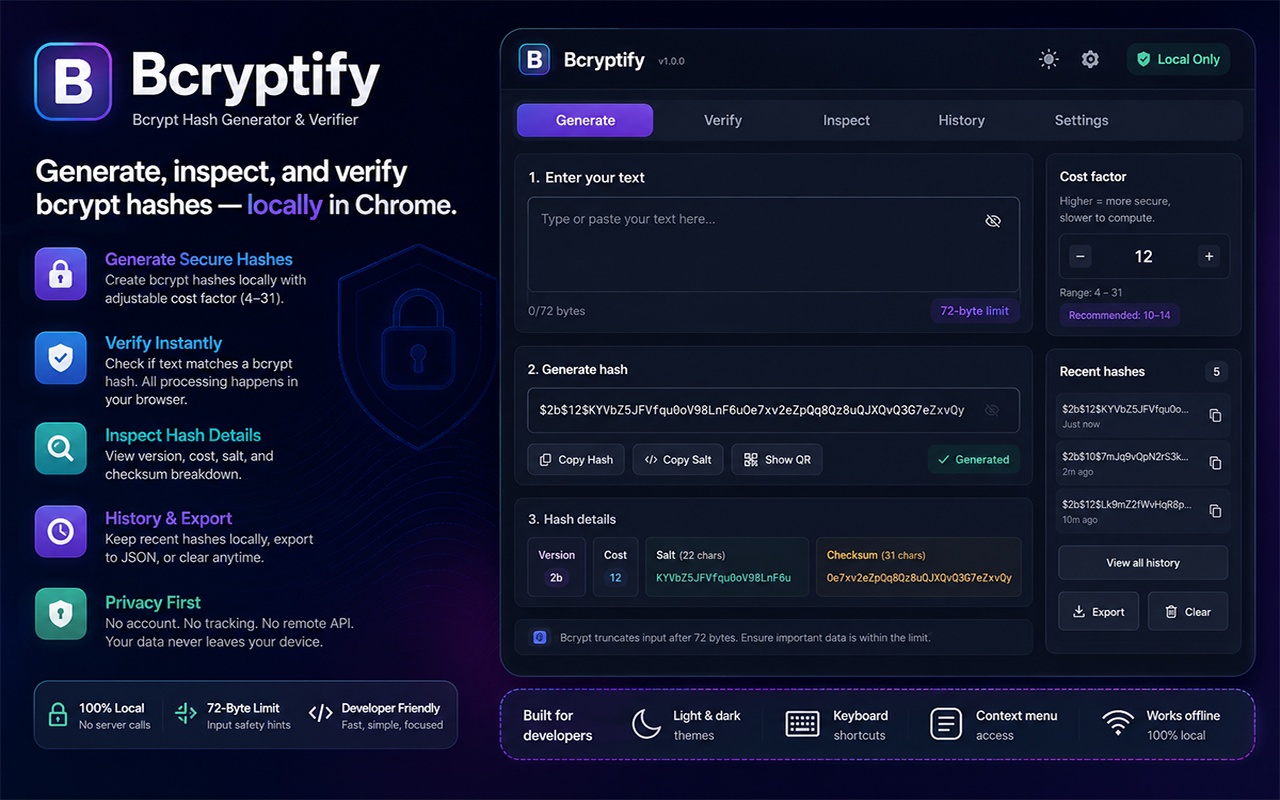
Bcryptify is a simple, privacy-friendly Chrome extension for generating, inspecting, copying, and verifying bcrypt hashes directly in your browser. It is built for developers, QA testers, students, and anyone who needs a fast bcrypt utility without opening a website or sending sensitive text to a remote service.
Why install Bcryptify?
• Generate bcrypt hashes locally with an adjustable cost factor.
• Verify whether text matches an existing bcrypt hash.
• Inspect bcrypt hashes to review the version, cost, salt, and checksum.
• Copy generated hashes and salt values quickly.
• See helpful input quality hints and bcrypt’s 72-byte input limit warning.
• Keep optional recent hash history locally, export it, or clear it any time.
• Use a focused interface designed around quick developer workflows.
Privacy-first design
Bcryptify does not require an account and does not use tracking. Hash generation and verification run locally in Chrome. The extension does not call a remote hashing API, and plain text input is not stored in history.
Common uses
• Testing login and authentication flows.
• Creating bcrypt hashes for development seed data.
• Verifying bcrypt hashes during debugging.
• Inspecting hash format details before using them in code.
• Learning how bcrypt cost factors and hash structure work.
Permissions
Bcryptify uses minimal permissions for local settings, optional local history, and context menu access. It does not request broad website access.
Why install Bcryptify?
• Generate bcrypt hashes locally with an adjustable cost factor.
• Verify whether text matches an existing bcrypt hash.
• Inspect bcrypt hashes to review the version, cost, salt, and checksum.
• Copy generated hashes and salt values quickly.
• See helpful input quality hints and bcrypt’s 72-byte input limit warning.
• Keep optional recent hash history locally, export it, or clear it any time.
• Use a focused interface designed around quick developer workflows.
Privacy-first design
Bcryptify does not require an account and does not use tracking. Hash generation and verification run locally in Chrome. The extension does not call a remote hashing API, and plain text input is not stored in history.
Common uses
• Testing login and authentication flows.
• Creating bcrypt hashes for development seed data.
• Verifying bcrypt hashes during debugging.
• Inspecting hash format details before using them in code.
• Learning how bcrypt cost factors and hash structure work.
Permissions
Bcryptify uses minimal permissions for local settings, optional local history, and context menu access. It does not request broad website access.
More from Chrome Extensions
View all You might also like
FREE
Chrome Extensions
Percentage Calculator
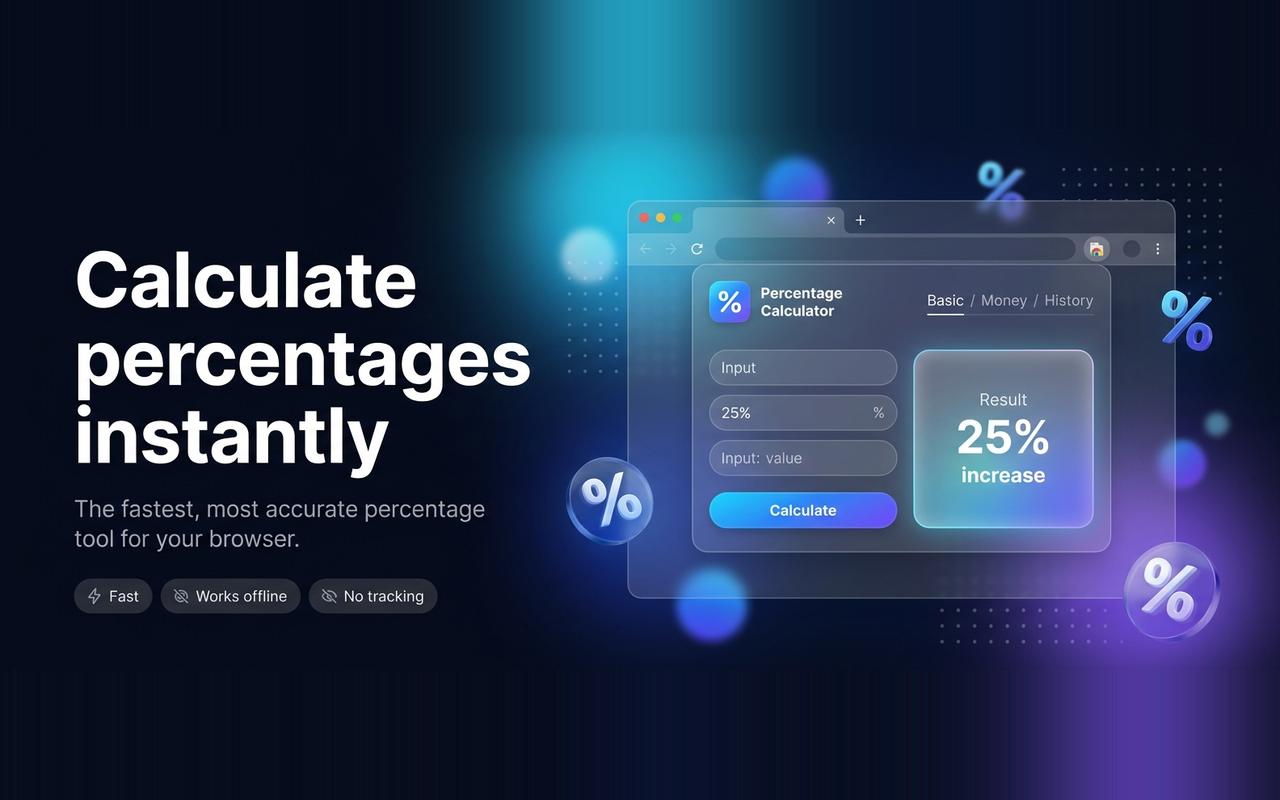
Percentage Calculator is a fast, clean, and easy-to-use Chrome extension for everyday percentage calculations.
Free
View
Popular
Chrome Extensions
Fullpage Capture Screenshot
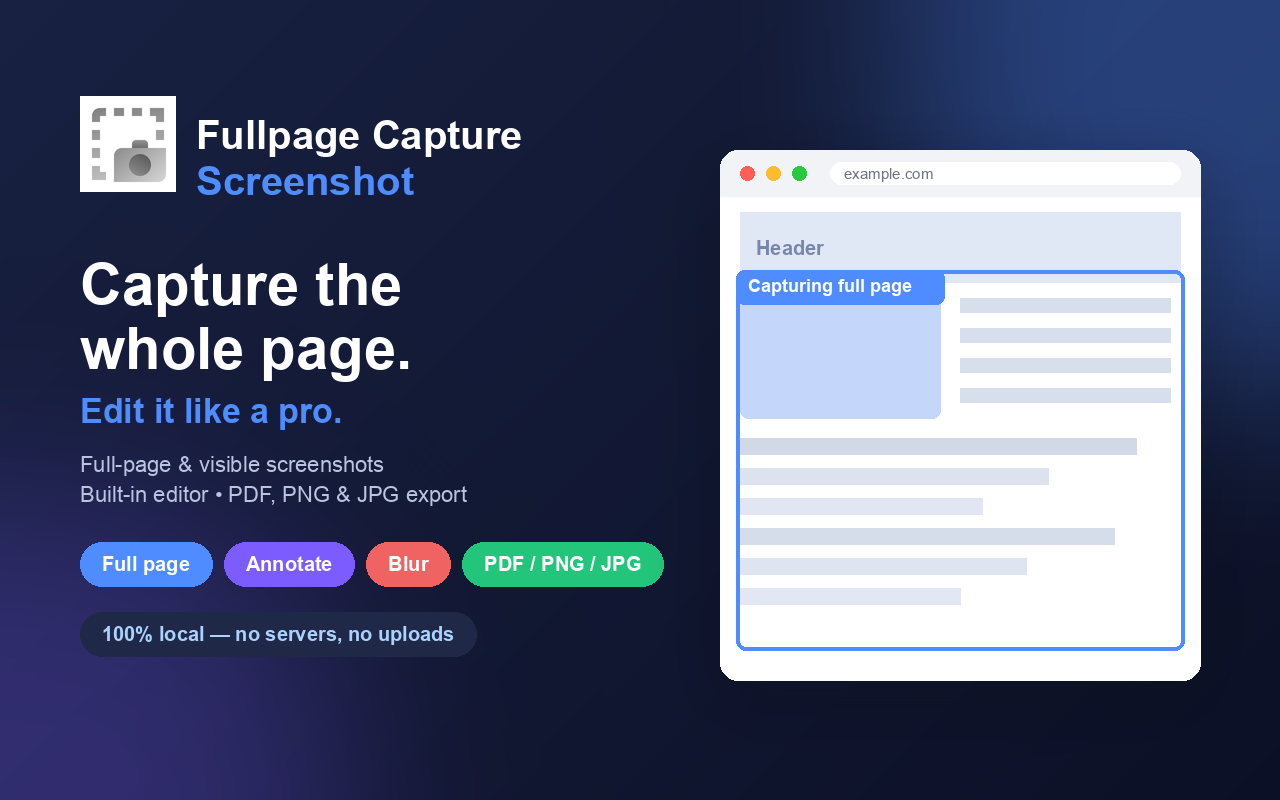
Capture full-page and visible screenshots, preview, edit, copy, download, export PDF, and keep local history.
Free+ full from $1
View
New
Chrome Extensions
Font Checker
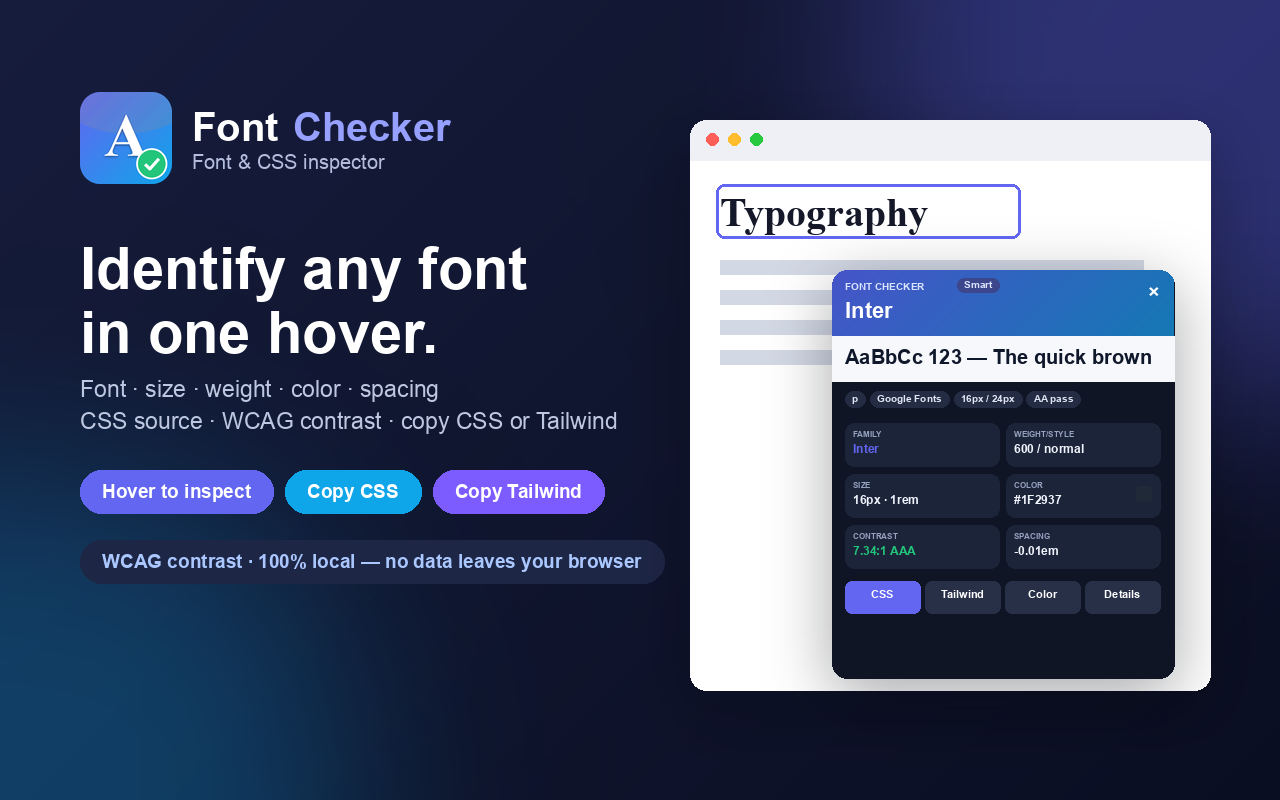
Hover any text to instantly identify the font, size, weight, color, spacing, CSS, source, and WCAG contrast. Copy CSS or Tailwind.
Free
View
Free
Chrome Extensions
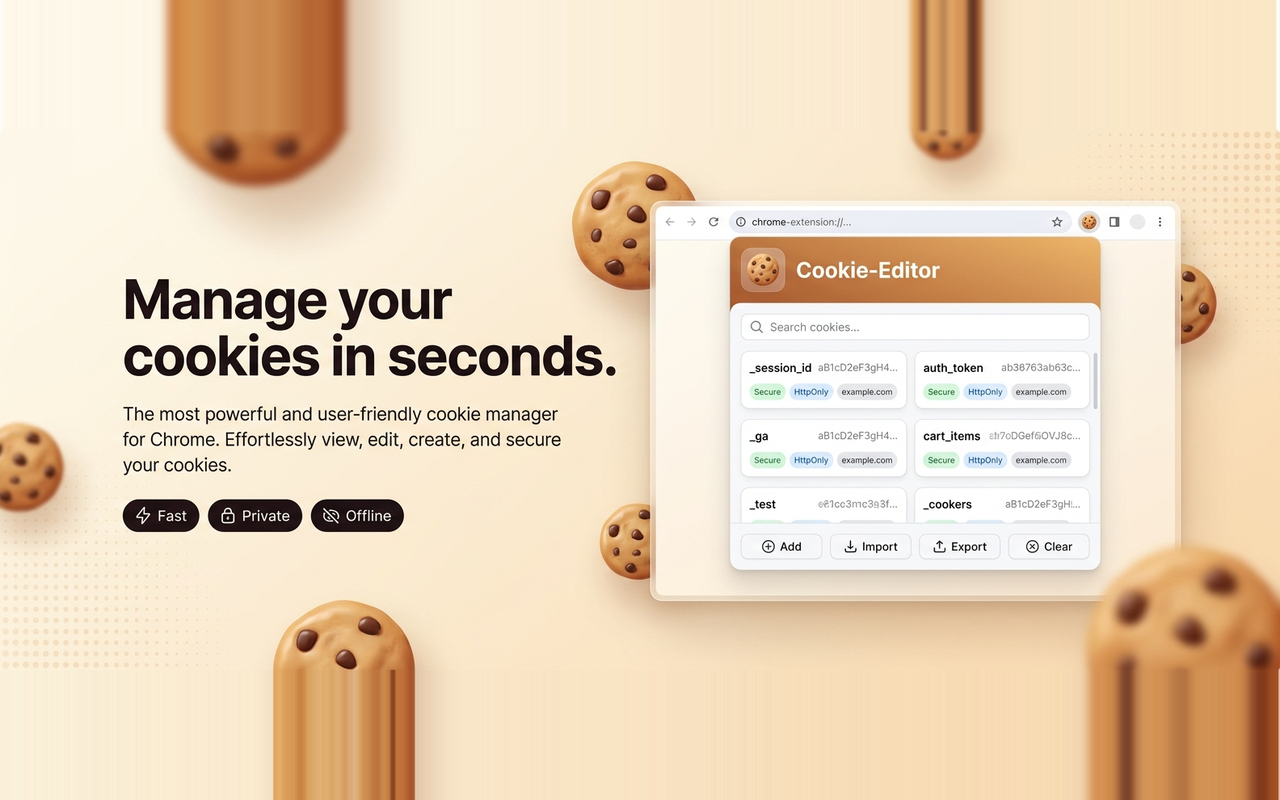
Cookie-Editor
Create, edit, delete, search, import & export cookies right from your tab. Fast, private, and 100% offline.
Free
View