Payment Gateway Discounts WHMCS Module
Advanced payment-gateway discounts with tiered pricing, precise customer targeting, analytics, and non-intrusive checkout badges.
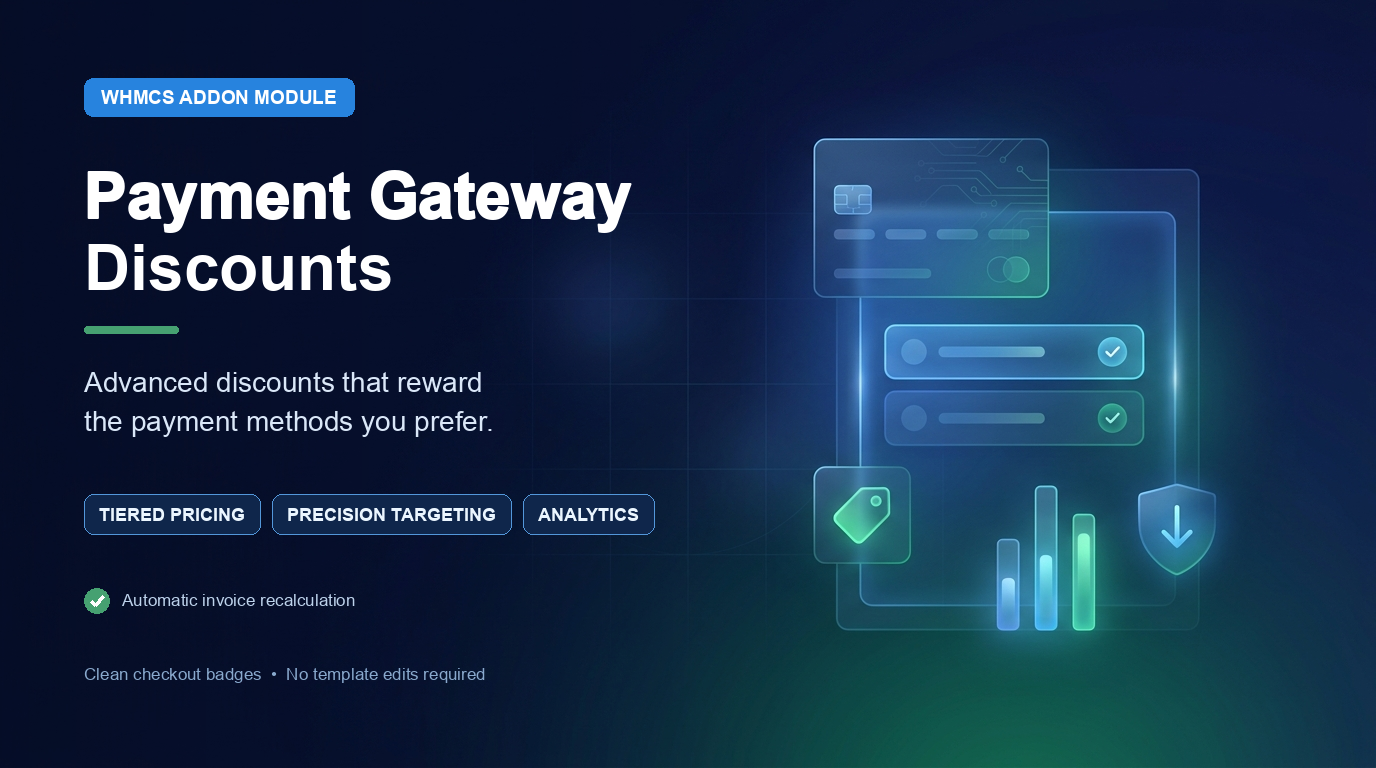
About Payment Gateway Discounts WHMCS Module
Payment Gateway Discounts for WHMCS is a powerful revenue-optimization module that lets you create automatic discounts based on the payment gateway selected by a customer.
Whether you want to promote bank transfers, reduce payment-processing costs, reward customers using a preferred gateway, or run limited-time payment campaigns, the module gives you complete control over how and when each discount is applied.
Create fixed or percentage-based discounts, add multiple invoice-value tiers, and target offers by currency, country, client group, product, addon, domain extension, billing cycle, invoice-item type, specific customers, and more. You can also configure minimum spending requirements, maximum discount caps, schedules, weekday restrictions, and usage limits.
When an eligible payment method is selected, the module automatically adds a negative invoice line through WHMCS’s invoice API. If the customer changes the payment gateway, the previous discount is removed and the invoice is recalculated using the correct rule.
On the customer side, compact “% OFF” badges, invoice payment labels, optional offer summaries, and a responsive gateway-comparison table clearly communicate available savings without changing the dimensions of payment-method rows or requiring template modifications.
A modern administration dashboard provides rule management, gateway coverage, usage statistics, activity logs, a discount simulator, manual invoice tools, bulk processing, and JSON import/export.
Key FeaturesFlexible Discount Rules
- Create percentage-based discounts
- Create fixed-amount discounts
- Configure multiple rules for each payment gateway
- Set a minimum eligible invoice subtotal
- Apply a maximum discount cap
- Choose whether the discount line is taxable
- Enable or disable individual rules instantly
- Add internal notes to each rule
- Customize invoice-line descriptions
- Use placeholders including:
{gateway}{amount}{value}{tier}
Unlimited Tiered Discounts
Create different rewards for different invoice ranges.
For example:
- Spend $50–$99 and receive 3% off
- Spend $100–$249 and receive 5% off
- Spend $250 or more and receive 8% off
- Use either fixed or percentage discounts in each tier
- Apply an individual maximum cap to each tier
- Add customer-friendly names to pricing tiers
Tier rules automatically override the default discount when the invoice amount falls within a configured range.
Advanced Customer Targeting
Limit payment-gateway discounts using detailed eligibility conditions:
- Currency
- Client group
- Customer country
- Specific included client IDs
- Specific excluded client IDs
- Products
- Product addons
- Domain extensions/TLDs
- Billing cycles
- Invoice-item types
- Minimum invoice value
- Specific weekdays
For product, addon, TLD, and billing-cycle conditions, you can choose whether customers must match all conditions or any configured condition.
Flexible Calculation Bases
Control exactly which invoice value is used to calculate the discount:
- Positive invoice items before promotions and tax
- Net invoice items after item-level promotions but before tax
- Final invoice total after tax
This allows the module to support different pricing and accounting strategies.
Scheduling and Usage Controls
- Optional campaign start date and time
- Optional campaign expiry date and time
- Restrict discounts to selected weekdays
- Set a global usage limit
- Set a per-client usage limit
- Assign rule priorities
- Choose how overlapping rules are resolved:
- First matching rule by priority
- Largest available discount
Automatic Invoice Processing
The module automatically evaluates discounts when:
- An invoice is created
- An invoice is prepared before email delivery
- Shopping-cart checkout is completed
- The customer changes the payment gateway
It also:
- Removes the previous tracked discount before recalculation
- Applies only to unpaid or draft invoices
- Prevents the discount from reducing the eligible base below zero
- Tracks the exact invoice-item ID created by the module
- Safely recalculates the invoice after a gateway change
Non-Intrusive Checkout Badges
Show compact discount badges beside eligible payment methods, such as:
5% OFF
Each rule supports:
- Custom badge color
- Custom Font Awesome icon
- Custom customer-facing message
- Independent checkout visibility
- Independent invoice visibility
- Public badge on/off control
The badges are designed to remain beside gateway names without resizing or overlapping the original payment-method rows.
Payment Gateway Comparison Table
Display a responsive pricing table below the available payment methods.
The table can show:
- Payment-method name
- Payment-gateway fee, when a compatible fee source is present
- Available discount
- Estimated price adjustment
- Estimated total after adjustments
- Selected payment method
- Custom table title
The table only displays payment gateways available during checkout and can combine payment fees and discounts into one clear comparison.
Invoice Payment Labels
The module can append discount information to matching payment methods in the invoice gateway selector, helping customers identify eligible offers when paying an existing invoice.
Optional Selected-Gateway Summary
Display a compact message below the payment-method list explaining the offer available for the currently selected gateway.
This summary is placed outside the gateway rows to preserve the checkout layout.
Complete Administration Dashboard
The modern administration area includes:
- Gateway discount coverage overview
- Searchable gateway list
- Searchable and filterable rule table
- Active and disabled rule filters
- Rule status indicators
- Gateway coverage status
- Overlapping-rule detection
- Checkout presentation preview
- Recent activity and error reporting
Analytics and Usage Metrics
Monitor discount performance directly from the dashboard:
- Number of active rules
- Number of currently applied discounts
- Total amount discounted
- Applications during the last 30 days
- Most-used discount gateway
- Logged errors
- Gateways with overlapping rules
Rule Management Tools
- Duplicate an existing rule
- Copy a rule to multiple payment gateways
- Enable multiple rules in bulk
- Disable multiple rules in bulk
- Delete multiple rules in bulk
- Search by rule, gateway, status, or condition
- Export rules as JSON
- Import rule configurations from JSON
Duplicated rules are created as disabled by default, allowing administrators to review them before activation.
Built-In Discount Simulator
Test discount calculations without modifying a real invoice.
Simply choose a configured rule and enter an invoice amount to preview:
- Calculated discount amount
- Matched pricing tier
- Maximum-cap behavior
Manual and Bulk Invoice Tools
- Manually apply or recalculate a discount on an invoice
- Manually remove a tracked discount
- Bulk-reapply rules to unpaid invoices
- Configure the maximum number of invoices processed per bulk run
These tools are useful after changing discount values, eligibility conditions, or campaign schedules.
Audit Logging and Error Handling
The module records important activity, including:
- Successful discount applications
- Discount removals
- Gateway changes
- Rules that did not match
- Skipped calculations
- Calculation errors
- Source of each application or recalculation
The dashboard displays the latest activity entries, and administrators can remove historical logs based on a configurable retention period.
Safe Data Management
- Module data is preserved when the addon is deactivated
- Existing rules are automatically upgraded with new schema fields
- Invoice discounts are tracked individually
- Error details are safely written to the WHMCS activity log
- Module operations include protection against duplicate invoice processing
No Checkout Template Modification Required
The checkout interface is added automatically through standard WHMCS hooks. Administrators can control badges, invoice labels, comparison tables, estimates, and offer summaries directly from the module settings.
Example Use Cases- Offer 5% off for bank-transfer payments
- Encourage customers to use a gateway with lower processing fees
- Offer a fixed discount for cryptocurrency payments
- Create higher discounts for larger invoices
- Run a weekend-only payment promotion
- Target offers to customers in selected countries
- Create product-specific payment incentives
- Reward selected client groups
- Exclude specific customers from a promotion
- Limit an offer to one use per customer
- Run a discount campaign with automatic start and expiry dates
- The administrator creates a discount rule and selects a payment gateway.
- Pricing, tiers, eligibility conditions, schedule, and visibility are configured.
- The customer selects an eligible payment gateway.
- The module finds the correct rule using priority or best-discount matching.
- A negative invoice line is added through the WHMCS invoice API.
- If the payment gateway changes, the old discount is removed.
- The invoice is recalculated using the new gateway’s eligible rule.
- The application and calculation details are recorded in the audit log.
-
Upload the
gatewaydiscountsfolder to:modules/addons/ -
Sign in to the WHMCS administration area.
-
Navigate to System Settings → Addon Modules.
-
Activate Gateway Discounts Pro.
-
Grant access to the appropriate administrator roles.
-
Open Addons → Gateway Discounts Pro.
-
Create your payment-gateway discount rules.
-
Configure checkout badges, the comparison table, invoice labels, and other presentation settings.
-
Test the module using an unpaid invoice before enabling it in production.
You might also like
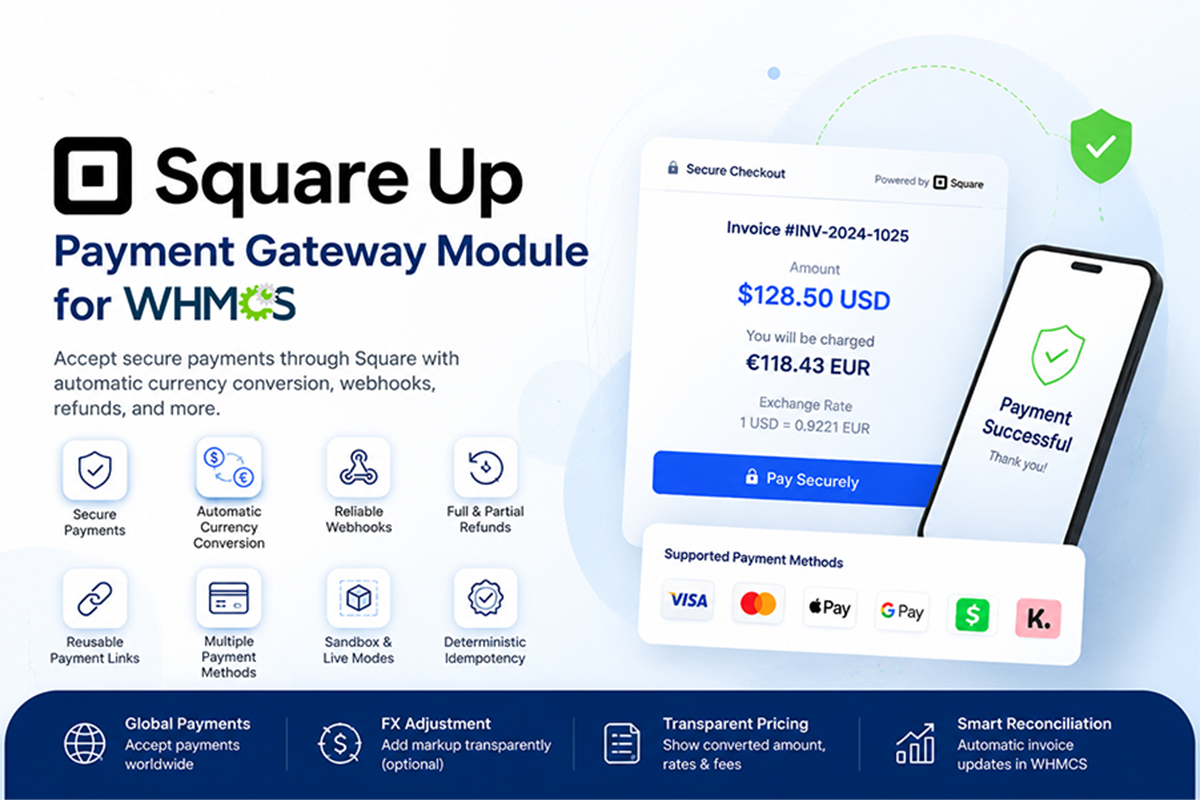
Square Up Payment Gateway Module - Secure Payments & Currency Conversion
Square Payment Gateway for WHMCS enables secure Square-hosted invoice payments with automatic payment confirmation, optional currency conversion, full and partial refunds, verified webhooks, duplicate-transaction protection, and Sandbox support.
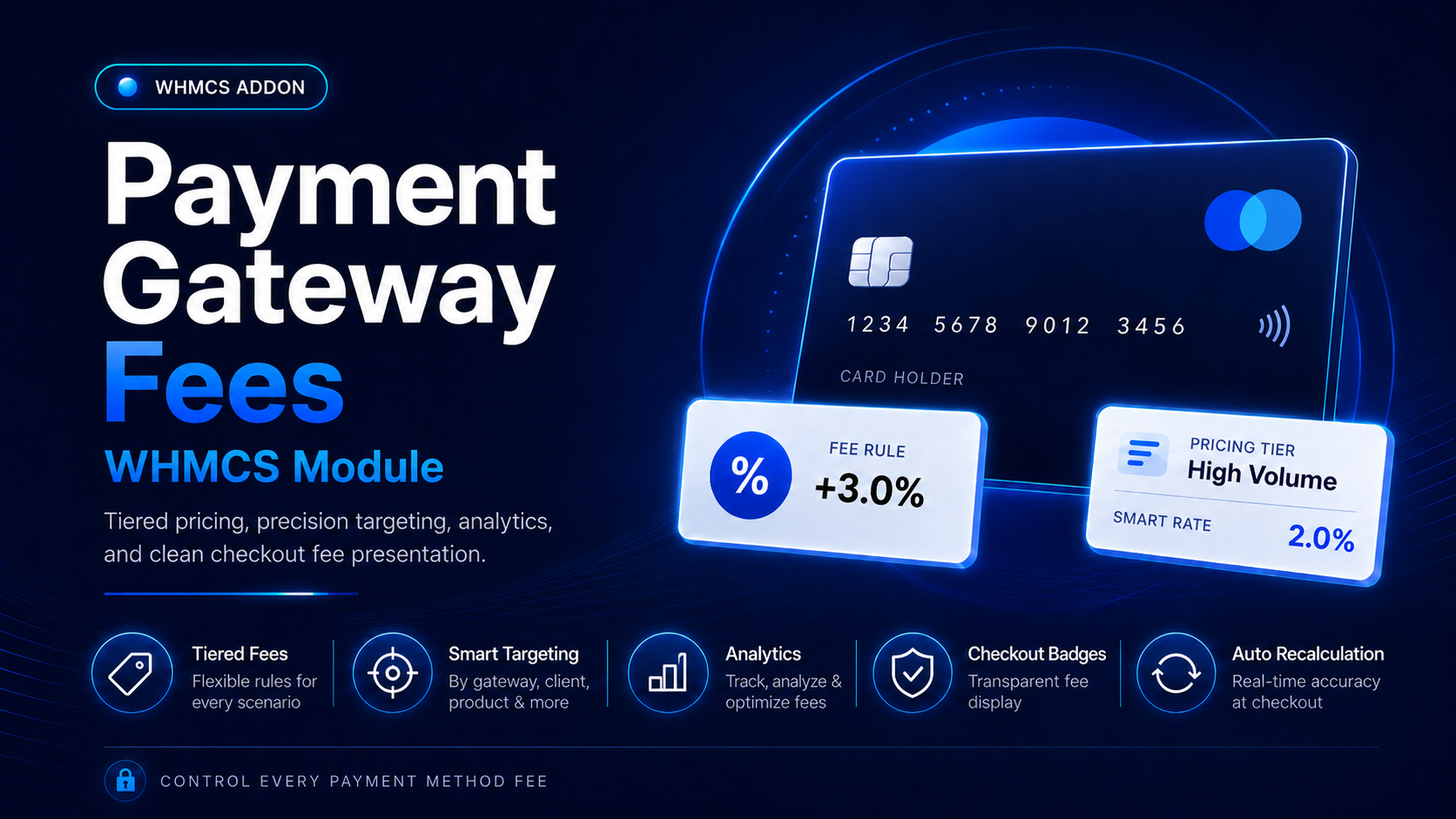
Payment Gateway Fees WHMCS Module
Take complete control of payment gateway charges in WHMCS with Payment Gateway Fees Pro. This advanced WHMCS addon automatically applies fixed, percentage-based, or combined payment fees according to the gateway selected by the customer.