Payment Gateway Fees WHMCS Module
Advanced WHMCS payment gateway fee management with tiered pricing, precise targeting, automated invoice adjustments, analytics, and non-intrusive checkout badges.
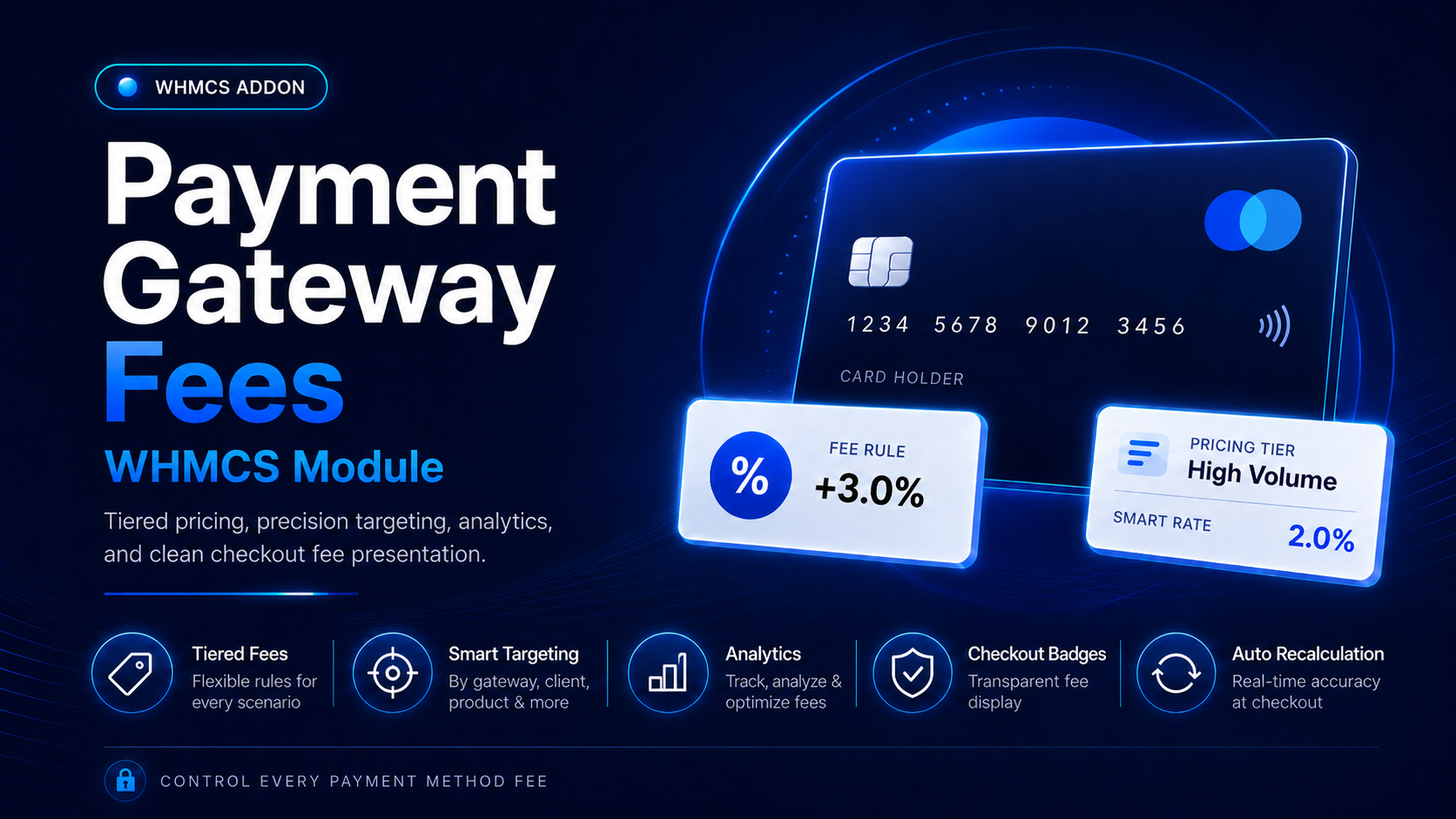
About Payment Gateway Fees WHMCS Module
Take complete control of payment gateway charges in WHMCS with Payment Gateway Fees Pro. This advanced WHMCS addon automatically applies fixed, percentage-based, or combined payment fees according to the gateway selected by the customer.Create flexible pricing rules, configure amount-based tiers, target specific customers or services, schedule promotions and surcharges, and enforce usage limits—all from a modern administration interface.
The module recalculates the applicable adjustment when a payment method changes, helping keep unpaid invoices accurate without requiring manual updates.Payment Gateway Fees Pro also improves transparency at checkout. Compact badges can appear beside eligible payment methods without changing the dimensions of gateway rows. An optional responsive comparison table allows customers to review fees, available discounts from a compatible discount module, estimated adjustments, and projected totals before completing checkout.With rule simulation, invoice management tools, bulk reapplication, performance metrics, activity logs, and JSON import/export, Payment Gateway Fees Pro provides a powerful solution for hosting companies and other WHMCS businesses that need more than a basic gateway surcharge module.
Flexible Payment Fee Calculations
- Apply percentage-based fees
- Apply fixed payment fees
- Combine a percentage and fixed amount
- Set a minimum invoice subtotal before a rule applies
- Define a maximum fee cap
- Choose whether the fee is taxable
- Configure custom invoice line descriptions
- Use placeholders for dynamic gateway and fee information
Tiered Gateway Pricing
Create multiple pricing tiers within the same payment gateway rule.
For example:
- 3% for transactions below $100
- 2.5% for transactions between $100 and $500
- 2% for transactions above $500
- Different fixed charges or maximum caps for each tier
Each tier can have its own:
- Minimum amount
- Maximum amount
- Fee type
- Percentage
- Fixed charge
- Maximum fee cap
- Customer-facing label
Advanced Rule Targeting
Display or apply gateway fees only when your configured conditions match.
Rules can be targeted by:
- Payment gateway
- Currency
- Customer group
- Customer country
- Included client IDs
- Excluded client IDs
- WHMCS products
- Product addons
- Domain extensions/TLDs
- Billing cycles
- Invoice item types
- Minimum subtotal
- Specific weekdays
Product, addon, TLD, billing-cycle, and invoice-item conditions can use match all or match any logic.
Multiple Calculation Bases
Choose the amount used to calculate each payment fee:
- Positive invoice items
- Net invoice items
- Complete invoice total
This gives administrators more control over how discounts, credits, and other invoice adjustments affect the final gateway fee.
Scheduling and Usage Controls
- Set optional start and expiration dates
- Restrict rules to selected weekdays
- Configure global usage limits
- Set per-customer usage limits
- Assign priorities to competing rules
- Enable or disable rules instantly
Intelligent Rule Conflict Management
When multiple rules match the same transaction, choose how the module selects the winning rule:
- Priority order
- Lowest calculated fee
- Highest calculated fee
The administration dashboard also identifies gateways with overlapping active rules.
Automatic Invoice Updates
Payment fees are automatically evaluated during key WHMCS events, including:
- Invoice creation
- Before an invoice email is sent
- Shopping cart checkout
- Payment gateway changes
If a customer changes the selected payment method, the module removes the previously tracked fee and recalculates the invoice using the newly selected gateway.
Only unpaid or draft invoices are modified, helping protect completed transactions from unwanted changes.
Non-Intrusive Checkout Badges
Show compact payment fee badges beside eligible gateway names while preserving the existing gateway-row layout.
Administrators can customize:
- Badge color
- Badge icon
- Public message
- Checkout visibility
- Invoice-page visibility
The checkout presentation can be controlled without manually editing WHMCS template files.
Payment Method Comparison Table
Add a responsive pricing table below the available payment methods so customers can compare:
- Payment method
- Applicable gateway fee
- Available discount from a compatible discount module
- Estimated price adjustment
- Estimated final total
Additional options include:
- Custom table title
- Estimated amount visibility
- Selected-payment summary
- Automatic selected-row highlighting
The table only displays payment methods available during checkout.
Invoice Payment Labels
Append fee information to the gateway selector on customer invoice pages, giving customers clearer pricing information before they pay.
Modern Administration Dashboard
Manage the module through an organized interface with dedicated sections for:
- Payment gateways
- Fee rules
- Activity history
- Checkout appearance
- Invoice tools
- Product capabilities
The gateway overview displays configured, active, disabled, and unconfigured gateways in one place.
Analytics and Performance Metrics
Monitor important payment-fee information directly from the module dashboard:
- Number of active rules
- Currently applied fees
- Total fees collected
- Applications during the last 30 days
- Logged errors
- Top-performing fee gateway
- Active conflict strategy
- Overlapping rules
Complete Activity and Audit Log
Review recent module activity, including:
- Applied fees
- Recalculations
- Fee removals
- Gateway changes
- Skipped calculations
- Unmatched rules
- Errors
Each record can include the date, invoice, gateway, action, and calculation details.
Built-In Rule Simulator
Test a fee rule before applying it to an invoice.
Select a rule and enter a sample invoice amount to preview:
- Calculated fee
- Matching pricing tier
- Maximum fee cap behavior
The simulator does not modify customer invoices.
Manual and Bulk Invoice Tools
Administrators can:
- Apply or recalculate a fee for a specific invoice
- Remove a tracked fee from an invoice
- Re-evaluate unpaid invoices in bulk
- Configure the maximum number of invoices processed per bulk operation
Efficient Rule Management
- Search gateway fee rules
- Filter by gateway or status
- Duplicate existing rules
- Copy one rule to multiple gateways
- Enable or disable multiple rules
- Delete rules in bulk
- Keep copied rules active or create them as disabled
- Add private administrator notes
Import, Export, and Maintenance
- Export gateway fee rules as JSON
- Import rules from a JSON file
- Choose whether imported rules should be activated
- Prune historical logs by age
- Configure a preferred log-retention period
- Preserve rules and activity data when the module is deactivated
- Recover payment processing costs: Apply suitable charges to more expensive payment methods.
- Improve pricing flexibility: Use fixed, percentage, combined, capped, or tiered calculations.
- Target fees accurately: Create different policies for currencies, countries, services, customers, and billing cycles.
- Increase checkout transparency: Clearly communicate adjustments before customers submit payment.
- Reduce administration: Automatically recalculate fees when customers change payment gateways.
- Avoid template modifications: Add checkout badges and pricing information without manually changing WHMCS templates.
- Make informed decisions: Review fee totals, gateway performance, activity, and errors from one dashboard.
- Manage rules at scale: Duplicate, copy, filter, import, export, and update multiple rules efficiently.
Payment Gateway Fees Pro is suitable for:
- Web hosting companies
- Domain registration businesses
- VPS and dedicated server providers
- SaaS businesses using WHMCS
- Digital service agencies
- Software licensing companies
- Subscription-based businesses
- International businesses with currency-specific payment costs
- WHMCS installations offering multiple payment gateways
- Create a rule: Select an active WHMCS payment gateway.
- Configure pricing: Choose a percentage, fixed, or combined fee.
- Add tiers: Optionally set different charges for different transaction amounts.
- Define targeting: Select currencies, countries, customers, products, addons, TLDs, billing cycles, or invoice item types.
- Set limits: Configure schedules, weekdays, priorities, and usage restrictions.
- Customize display: Choose checkout badges, invoice labels, messages, colors, and comparison-table options.
- Activate the rule: The module evaluates eligible draft and unpaid invoices automatically.
- Monitor performance: Review applications, collected fees, activity logs, and errors from the dashboard.
You might also like
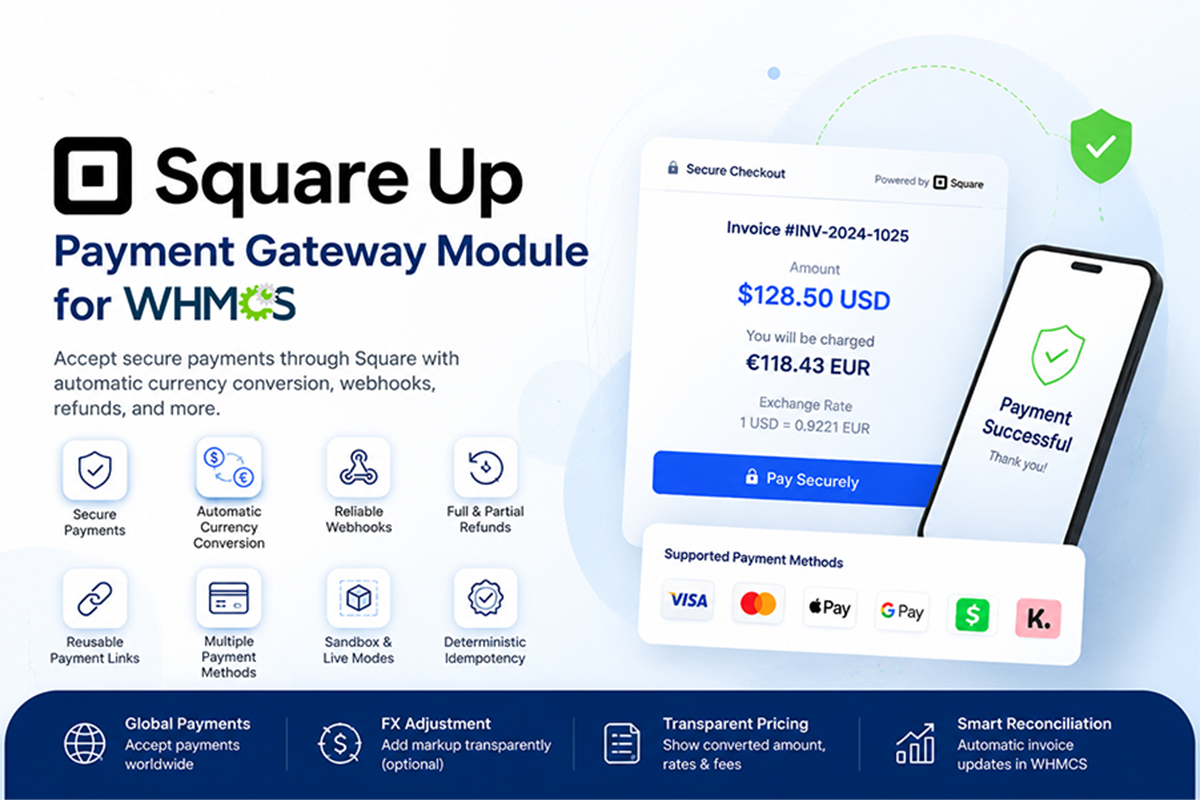
Square Up Payment Gateway Module - Secure Payments & Currency Conversion
Square Payment Gateway for WHMCS enables secure Square-hosted invoice payments with automatic payment confirmation, optional currency conversion, full and partial refunds, verified webhooks, duplicate-transaction protection, and Sandbox support.
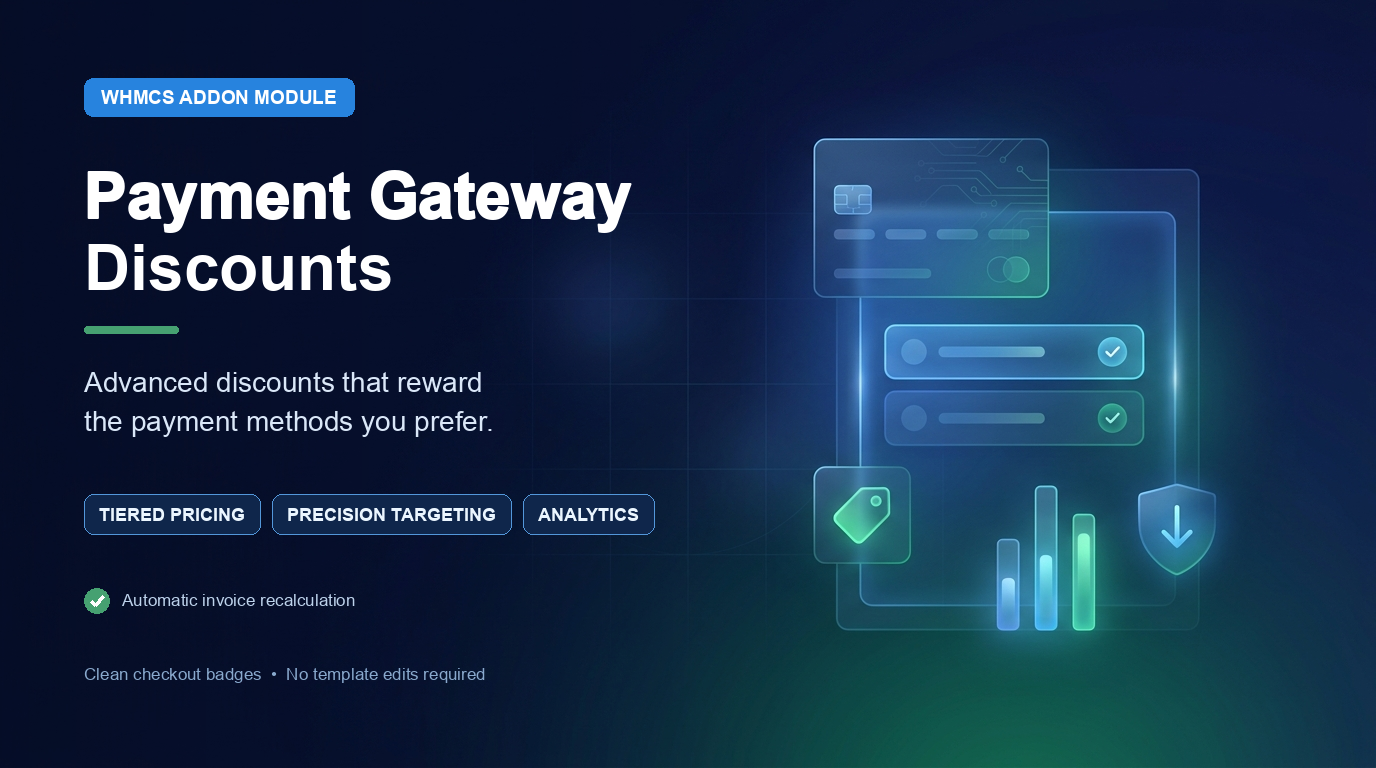
Payment Gateway Discounts WHMCS Module
Encourage customers to use preferred payment methods by automatically offering percentage-based or fixed discounts in WHMCS. Create targeted discount rules, configure multiple pricing tiers, control eligibility, schedule campaigns, and display responsive checkout badges—all without modifying your checkout templates.